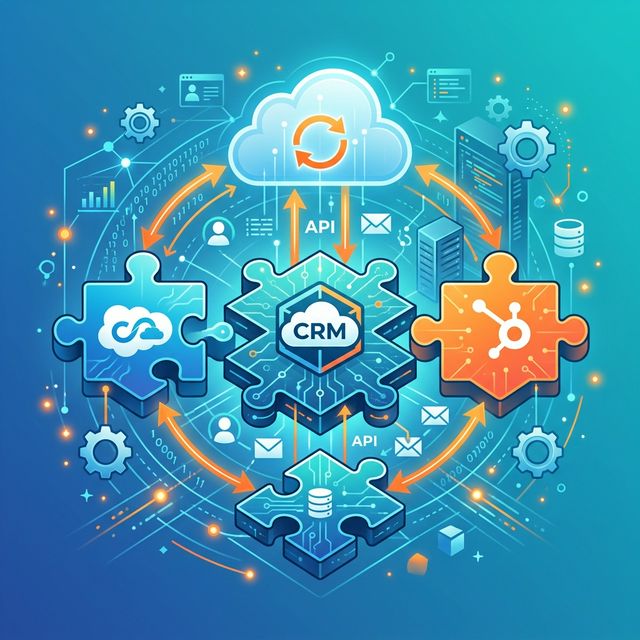
Voiceyfy's AI voice agent becomes exponentially more powerful when connected to your existing tools. This guide covers how to integrate with the most popular CRM systems so every call, lead, and appointment syncs automatically.
Why CRM Integration Matters
Without integration, your AI agent exists in a silo. Calls come in, appointments get booked, but your team still has to manually enter data into your CRM. That defeats the purpose of automation. With proper integration:
- New leads from calls and chats appear in your CRM automatically
- Call recordings and AI transcripts get attached to the contact record
- Appointments sync to your scheduling system in real time
- Follow-up tasks are created for your team when the AI escalates a lead
- Revenue tracking connects AI-generated leads to closed deals
Salesforce Integration
Voiceyfy integrates with Salesforce through a pre-built connector available in your dashboard:
- Navigate to Settings > Integrations in your Voiceyfy dashboard.
- Click Connect Salesforce and authenticate with your Salesforce credentials.
- Map Voiceyfy fields to Salesforce objects: calls map to Activities, new callers map to Leads or Contacts, and appointments map to Events.
- Enable real-time sync. Every call is logged within seconds of ending.
Advanced users can customize field mappings, create custom Salesforce flows triggered by Voiceyfy events, and use Salesforce data to personalize the AI's responses to returning callers.
HubSpot Integration
HubSpot users benefit from a native two-way sync:
- In Voiceyfy, go to Settings > Integrations > HubSpot.
- Click Connect and authorize the HubSpot app.
- Choose your sync preferences: create new contacts vs. update existing, which pipeline to use, and how to handle duplicates.
- Voiceyfy creates HubSpot Contacts, logs Calls as Activities, and creates Deals in your selected pipeline.
ServiceTitan Integration
For home service businesses on ServiceTitan, this integration is a game-changer:
- Booked appointments from Voiceyfy appear directly in ServiceTitan's dispatch board
- Customer records sync both ways, so the AI knows if a caller is an existing customer
- Job details (type, urgency, notes) flow through without manual entry
Webhook and API Integration
For CRMs not listed above, or for custom workflows, Voiceyfy offers a comprehensive REST API and webhook system:
- Webhooks: Receive real-time notifications when calls complete, appointments are booked, or leads are qualified. Point these at your CRM's API or a workflow tool like Zapier.
- REST API: Full programmatic access to contacts, calls, transcripts, appointments, and campaigns. Build custom integrations with any system.
Best Practices
- Start with one-way sync: Begin by syncing data from Voiceyfy to your CRM. Once confirmed working, enable two-way sync.
- Map your stages: Align Voiceyfy's pipeline stages with your CRM's stages for consistent reporting.
- Tag AI-generated leads: Add a source tag so you can measure how many leads, and how much revenue, the AI generates.
- Test with real calls: Make a few test calls after setup to confirm data flows correctly before going live.
Need Help?
Our integration team can help you connect Voiceyfy to your specific CRM setup. Book a demo and we will walk through the integration live.