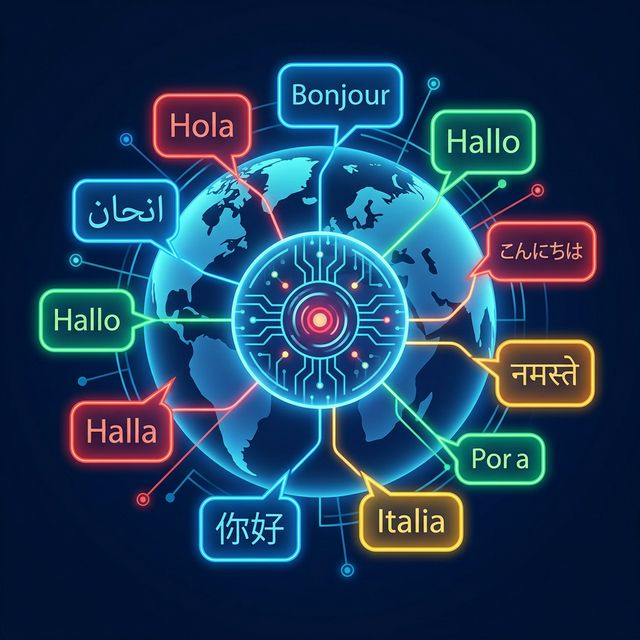
We are excited to announce that Voiceyfy's AI agents can now speak and respond in 16+ languages. From Spanish and French to Japanese and Arabic, your voice and chat agents can serve customers in their preferred language with a single configuration change. No migration needed for existing agents.
Supported Languages
Voiceyfy now supports the following languages for both voice and chat agents:
- European: English, Spanish, French, German, Italian, Portuguese, Dutch, Polish, Turkish, Swedish, Russian
- Asian: Japanese, Korean, Chinese, Hindi
- Middle Eastern: Arabic
Each language is fully supported across the entire AI pipeline, not just text translation. The speech recognition, language model, and voice synthesis all adapt natively.
How It Works
Enabling multilingual support is as simple as selecting a language from a dropdown:
Voice Agents
In your voice agent configuration, you will now see a Language dropdown right next to the existing Voice selector. Select your target language, and three things happen automatically:
- Deepgram STT receives a language hint, dramatically improving transcription accuracy for non-English speakers.
- Cartesia TTS switches to native pronunciation in the selected language. No more English-accented foreign words.
- The LLM receives a language directive that ensures all responses are generated exclusively in the configured language.
Chat Agents
For chat agents, the Language selector lives in the General tab. Each language is displayed with its native name and a country flag emoji, making it easy to identify at a glance.
Organization Defaults
You can set a default language preference at the organization level under Business Profile. All new agents will inherit this default, while individual agents can still override it.
Cross-Lingual Knowledge Base
Perhaps the most powerful aspect of this update is the cross-lingual RAG capability. Your knowledge base can remain in English (or any language), and when a Spanish-speaking agent needs to answer a question, the AI:
- Retrieves the relevant knowledge from your documents, regardless of language
- Translates the retrieved content into the agent's configured language
- Responds naturally in that language, maintaining accuracy and context
This means you do not need to maintain separate knowledge bases for each language. One set of documents serves all agents, in all languages.
Language Flags in Agent Lists
To make it easy to identify each agent's language at a glance, the agent list tables now display country flag emojis instead of the generic voice initial circles. Spanish agents show 🇪🇸, French agents show 🇫🇷, and so on.
Backward Compatibility
This update is fully backward compatible. All existing agents automatically default to English. There is no migration step, no downtime, and no configuration change required for your current setup. You can start adding multilingual agents alongside your English ones immediately.
Use Cases
Multilingual AI agents unlock new possibilities for service businesses:
- Bilingual markets: Businesses in cities with large Spanish-speaking populations can now answer calls in both English and Spanish with separate agents.
- International expansion: Companies expanding into European or Asian markets can deploy agents in the local language without hiring multilingual staff.
- Diverse customer bases: Healthcare, legal, and service businesses serving diverse communities can offer their AI in the customer's preferred language.
Get Started
Multilingual support is available to all Voiceyfy users right now. Log into your dashboard, select an agent, and choose a language from the new dropdown. The entire pipeline adapts in seconds.
Want to learn more about configuring multilingual agents? Visit our Multilingual Agents feature page or contact our team.